
Scan restaurant receipts and verify the final total
Scan one restaurant receipt to preview its details, then see how to check a tipped total before you save it.
Checking for your preview…
Read the bill, check the payment and save the meal
Use a receipt that shows the relevant amounts
A restaurant can hand you an itemized bill and a separate payment slip. The bill explains what was ordered, while the signed or final slip may show the tip and total actually paid. Keep both if your expense process needs them, and use the final payment as the reference for the amount you record.
- Include the merchant, date and amount in the photo
- Keep the itemized bill when the purchase details matter
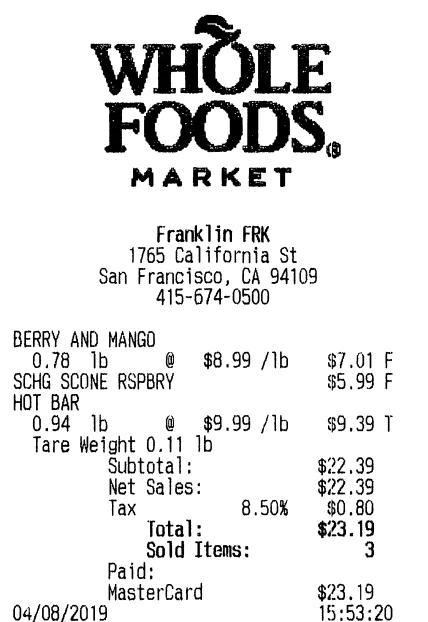
Details to review
- Merchant
- Whole Foods Market
- Date
- Apr 8, 2019
- Subtotal
- USD 22.39
- Tax
- USD 0.80
- Total
- USD 23.19
Compare the suggested tip with what you paid
A printed tip suggestion is a reference amount. Check the actual tip or service charge, whether it is already included, and the final payment total. If the image is hard to read or the payment is split, add a note before confirming the result.
- Check whether service is already included
- Record the amount that belongs to your expense
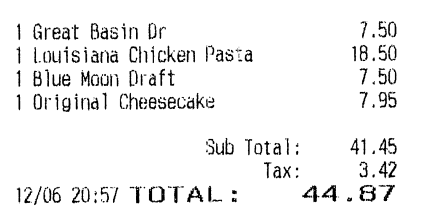
Find meals for the right period
Choose the Meals category if it fits the purpose and keep a short note, such as the project name. Use the category and date filters when you need confirmed meal records for review or a spreadsheet.
- Check the purchase date and currency
- Export only the confirmed records you need
Your receipts
Old Navy
Apr 13, 2019 · Clothing
USD 72.63
ConfirmedDenny's
Apr 9, 2019 · Meals
USD 30.37
ConfirmedWhole Foods Market
Apr 8, 2019 · Groceries
USD 23.19
Confirmed
Example: a bill with a handwritten tip
The itemized bill shows $40.00 for food and $3.20 in tax. A signed slip shows an $8.00 tip and a $51.20 total.
- Use the bill to check the $40.00 subtotal and $3.20 tax.
- Use the signed slip to validate the final $51.20 charge.
- Keep the two amounts clear if you add a note for the meal.
Features
The essentials, together.
A focused place to collect, check and organize your receipt records.
Useful fields, not a wall of text
Merchant, date, amount, currency and tax in separate fields you can review.
You make the final call
See review warnings, correct a field and explicitly confirm the record.
Keep the receipt close
Open the receipt image alongside its saved details in your account.
Categories you can change
Start with a suggestion, then choose the category that fits your expense.
A list you can come back to
Search merchants and narrow records by date, category or review status.
Account-owned records
Saved receipts and their images are accessed through your account.
Questions about restaurant receipt scanner
Related receipt tools and guides
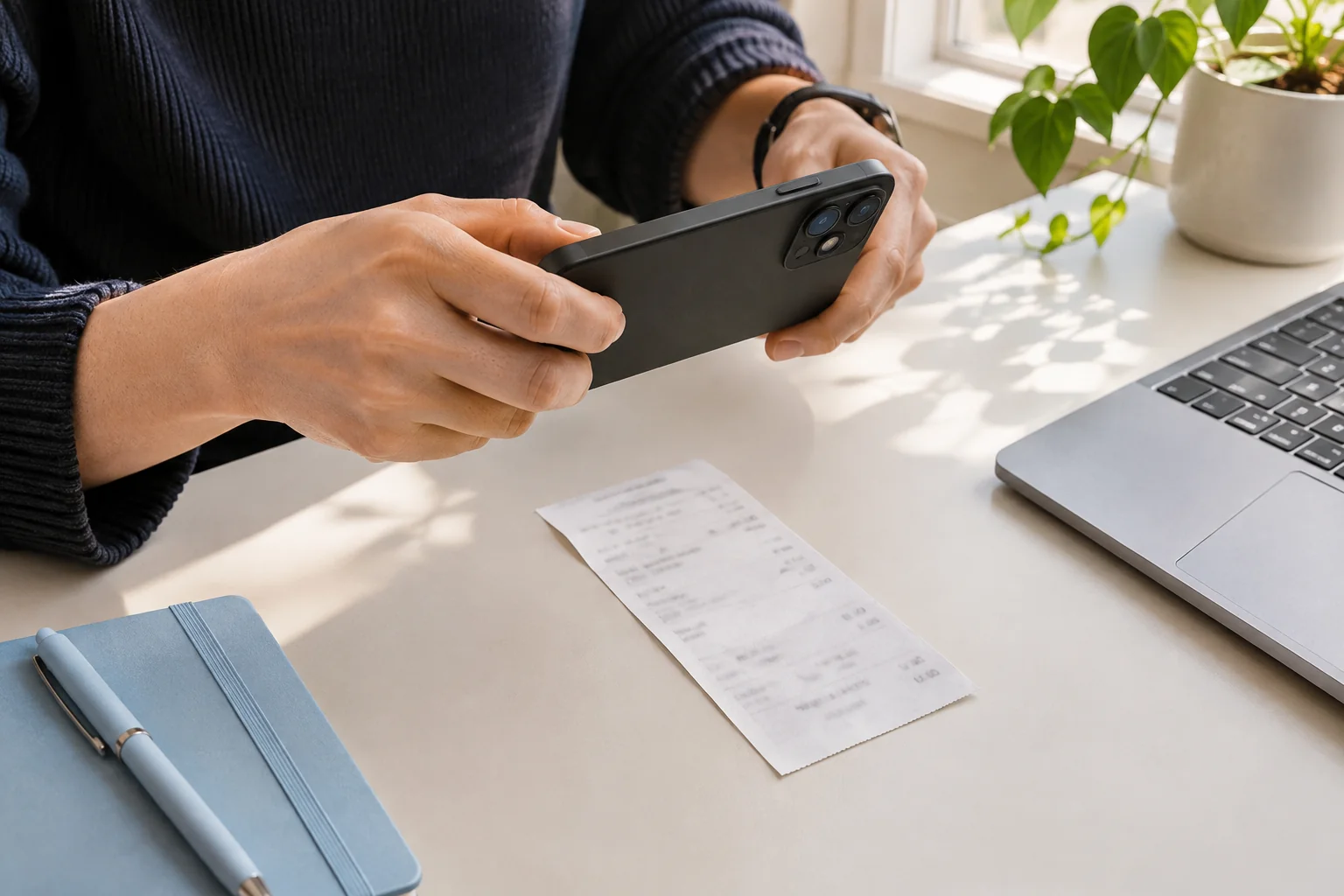
Keep the entire receipt in focus, use even light, and check the total before uploading. A short photo checklist for readable receipt images.
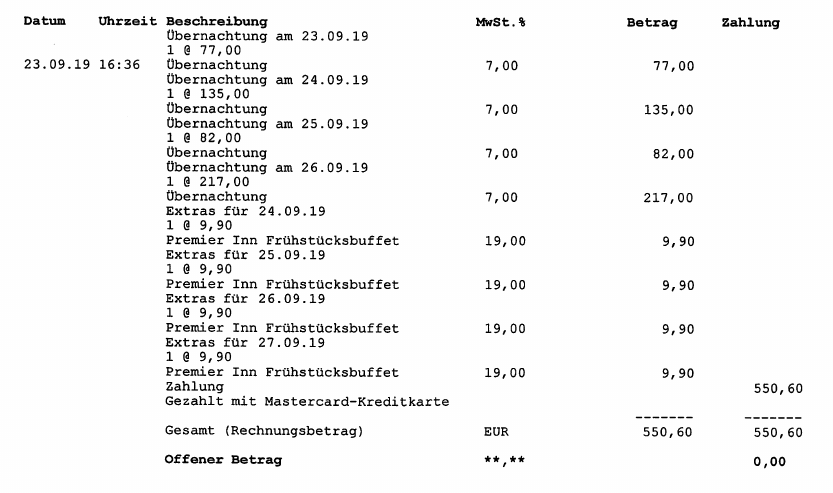
Germany · Hotel invoice
EUR 550.60 billed · EUR 0.00 due
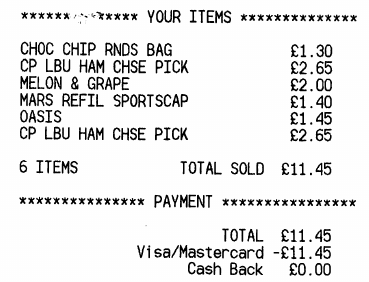
United Kingdom · Retail receipt
GBP 11.45 paid
Compare a German hotel invoice and a UK retail receipt. Learn which totals, dates and payment details to check before saving.
A practical receipt review checklist: check the seller, date, currency, total and tax against the image before confirming an expense record.