
Organize receipts by month
Preview one receipt here without an account. In your workspace, confirm the details, choose the month and export the matching records.
Try one receipt, without an account.
Upload an image to preview the merchant, total and currency.
One free preview per day. See your result here without an account.
How your receipt is processedChecking your daily preview…
One month, three receipts, $85.10
Start with the date on the receipt
In this October example, supplies cost $42.60, software $18.00 and a meal $24.50. All three purchases were in USD, so their total is $85.10. A September receipt photographed in October still belongs in September.
- Check the purchase date before confirming
- Keep totals in their original currencies
receipts-2026-10.csv
October 2026
| Merchant | Category | Amount |
|---|---|---|
| North Street Supply | Supplies | $42.60 |
| Harbor Cloud | Software | $18.00 |
| Willow Café | Meals | $24.50 |
Take just October into your spreadsheet
Choose October in Saved records, then clear any merchant or category filter you no longer need. The CSV includes every confirmed receipt that matches, even when the list spans several pages.
- Compare the count with the receipts you expected
- Finish reviewing any missing receipt before exporting

Monthly receipt questions
More ways to organize receipts
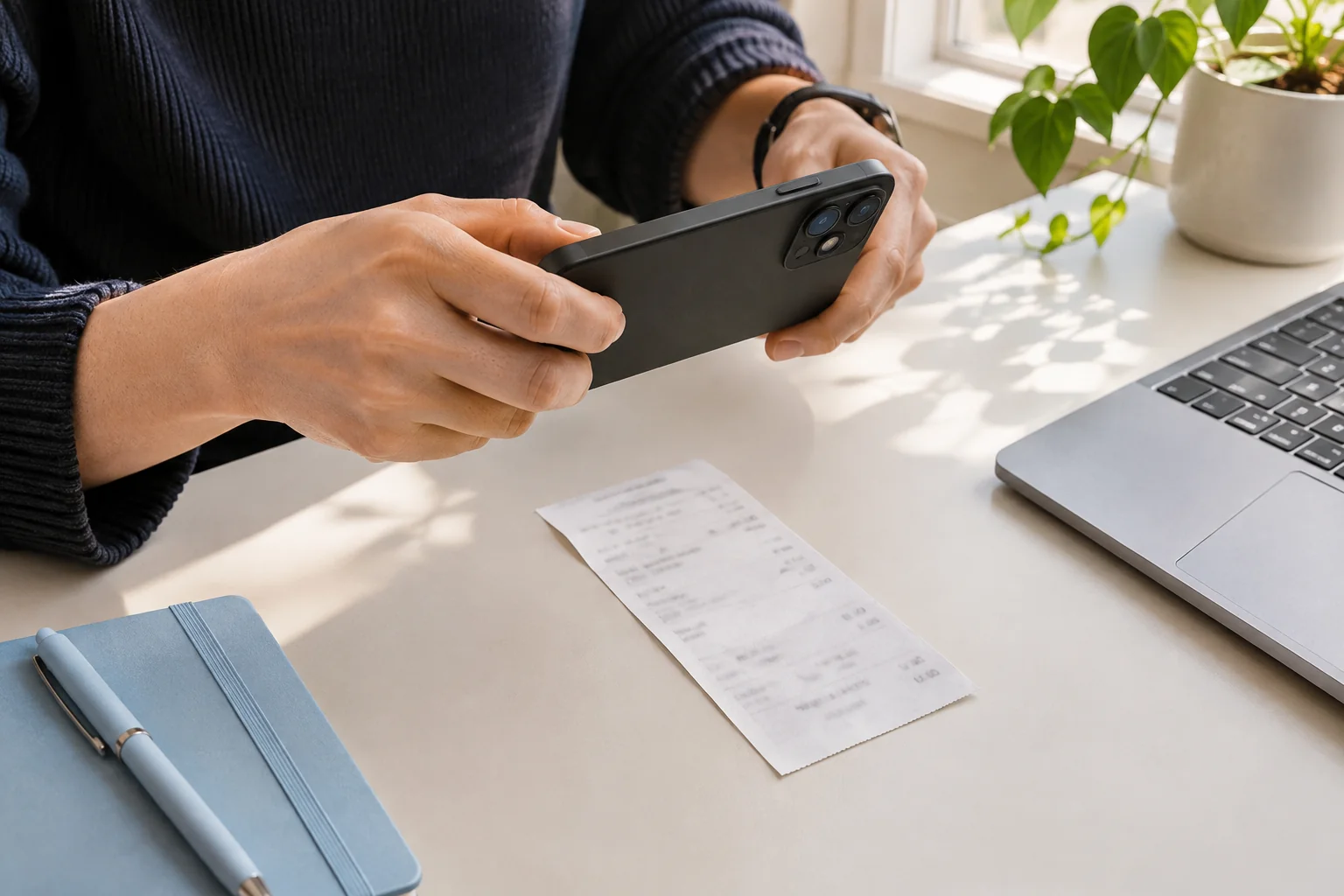
Keep the entire receipt in focus, use even light, and check the total before uploading. A short photo checklist for readable receipt images.
Before the final payment
Invoice
- Purchase total
- USD 120.00
- Already paid
- USD 40.00
- Balance due
- USD 80.00
The final payment
Payment receipt
- Purchase total
- USD 120.00
- Amount paid now
- USD 80.00
- Remaining balance
- USD 0.00
An invoice requests payment; a receipt records a payment. Compare examples and learn which amounts, dates and payment details to check before saving.
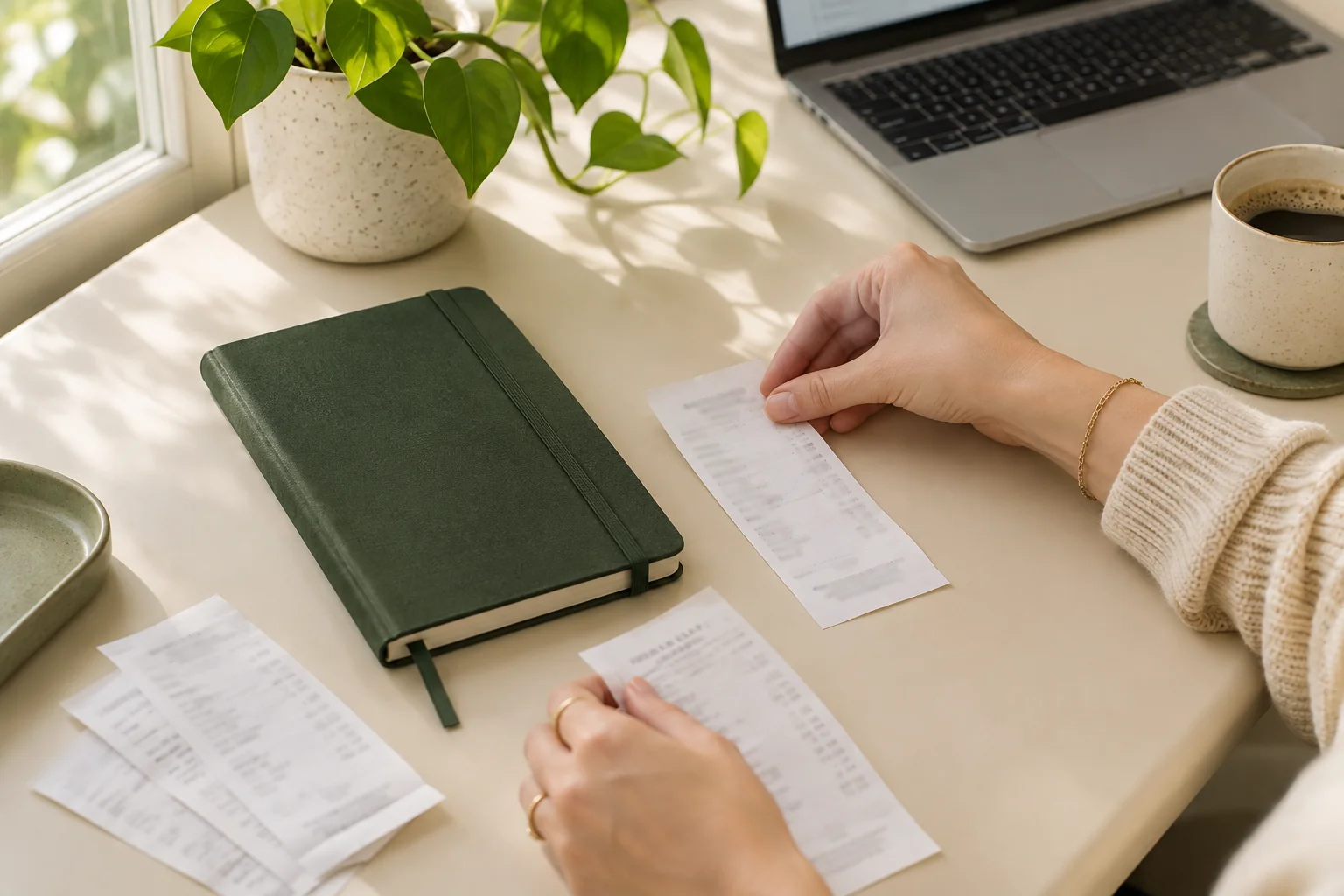
A practical receipt review checklist: check the seller, date, currency, total and tax against the image before confirming an expense record.