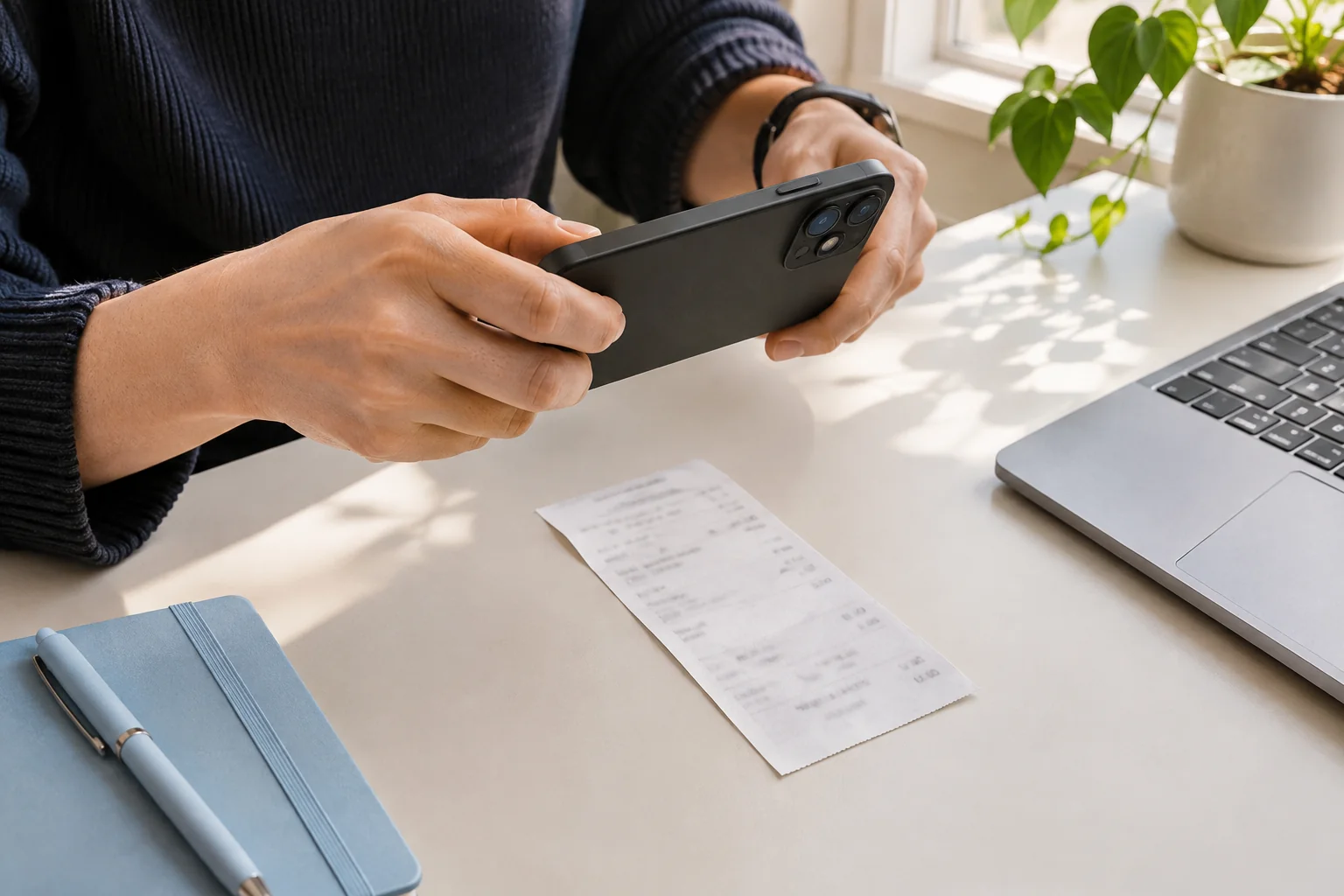
Match the seller, date and currency
Start with the business name and the purchase date. Receipts can also show a card processor, an order number or a payment date. Choose the details that describe this purchase, rather than the first text or date on the page.
A date such as 04/05/2026 needs context. A dollar sign alone may not identify the currency. If the document does not give enough information, check another purchase record or leave the detail unresolved rather than guessing.
Read the final total with its label
Compare the extracted amount with the final purchase total. A subtotal, suggested tip, amount tendered or remaining balance can look like the answer while meaning something different. Keep the labels in view when deciding.
For the fictional receipt above, USD 40.00 plus USD 2.60 tax gives USD 42.60 total. Recording USD 40.00 would miss the tax; adding USD 2.60 to the total again would count it twice. This simple example is a check of the printed numbers, not a rule for every tax system.
Check tax and category separately
Use the tax amount actually printed on the document. A total that includes tax is different from a subtotal before tax. Do not invent a tax amount from a rate you expect to apply.
Review the suggested category for your own records. A category describes how you organize a purchase; it does not establish whether the expense is deductible, reimbursable or accepted by an accountant.
Resolve warnings, then confirm once
In Tabbri, compare the fields beside the image, correct mistakes and add a note before confirming. A warning is a reason to check; the absence of a warning does not prove that the details are correct.
If the document is unreadable, request a clearer copy or retake the photo. If you have both an invoice and a payment receipt for one purchase, review the relationship before creating two records. Tabbri does not automatically reconcile those documents or submit them to a bookkeeping service.
A small check that changes the record
Fictional purchase: supplies USD 40.00, tax USD 2.60, total USD 42.60. Check that the saved total is USD 42.60 and the tax field is USD 2.60. Keep the image so you can check the original wording later.