Flatten the receipt and soften the light
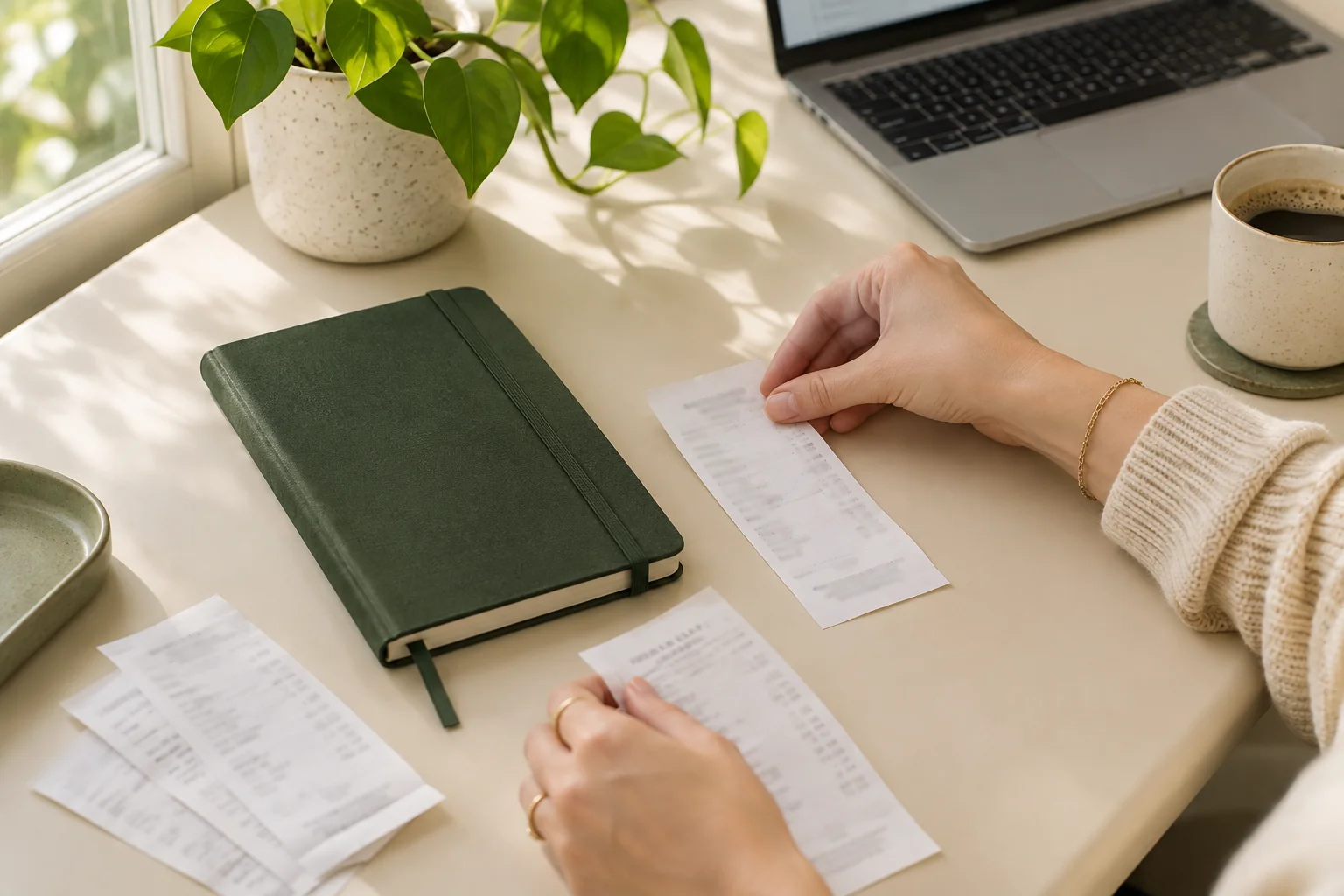
Place the receipt on a plain, contrasting surface. Smooth out folds without covering any printing. Move it away from a bright reflection or a shadow cast by your phone.
For a glossy or curled receipt, change the light or camera angle slightly. Keep fingers outside the printed area. If thermal printing has faded, a sharper photo may still leave missing information; request another copy from the seller where possible.
Keep all four edges and the final total
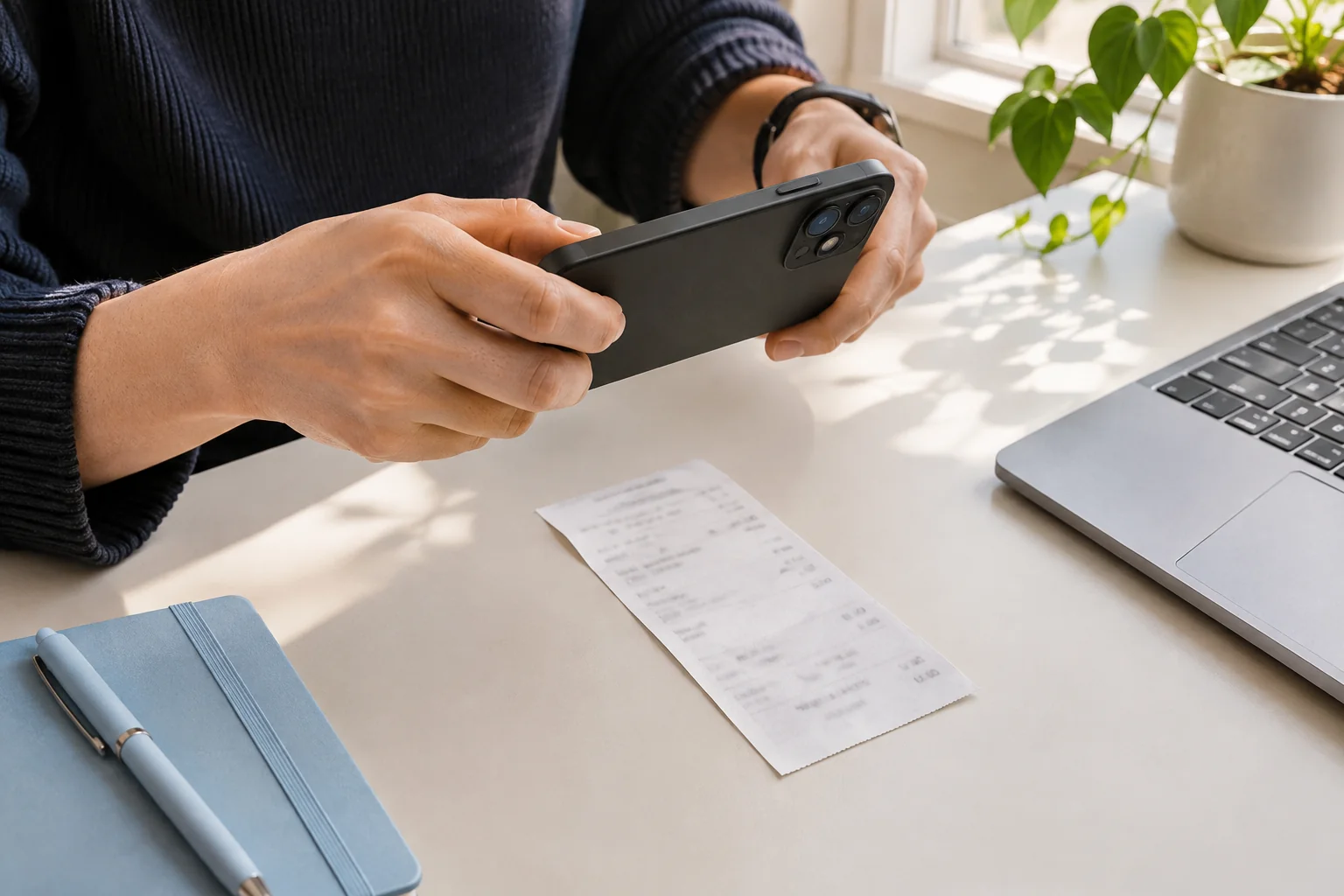
Hold the camera roughly parallel to the paper. Leave a small border around all four edges and wait for focus to settle before taking the photo. Include the business name at the top and the full payment section at the bottom.
Do not crop out the date or a second total lower down. For a long receipt, make sure the smallest text stays readable when you zoom in. Tabbri does not stitch several photos into a single receipt: for now, start with one complete image.
Check the numbers before you upload
Zoom into the date, total and any tax or tip. Look for motion blur, glare over a decimal point, and pale text blending into the background. If a detail is unreadable, retake the image before processing it.
A restaurant receipt may print suggested tips as well as a final charged amount. Keep the labels next to those figures in the photo so they can be distinguished. Do not edit or redraw the printed numbers to make them easier to scan.
Upload one image, then review the result
Tabbri currently accepts JPG, PNG and WebP images up to 3 MiB each. PDF upload, email forwarding and combining multiple pages are not available in this version. A readable image is more useful than a large but blurry file.
After extraction, compare the merchant, date, currency and total against the image. Correct anything uncertain before confirming. If the picture is not a supported purchase document, use the explanation to choose a different document rather than saving unrelated content.
A quick check you can do yourself
Before tapping upload, ask: Can I read the merchant? Is the date complete? Can I tell the final amount from the subtotal and suggested tips? Are any labels cut off? If one answer is no, fix the photo first.