
For freelancers
Work receipts, all together.
Capture a receipt, check the details, and keep a record you can find at month-end.
Try the receipt scanner
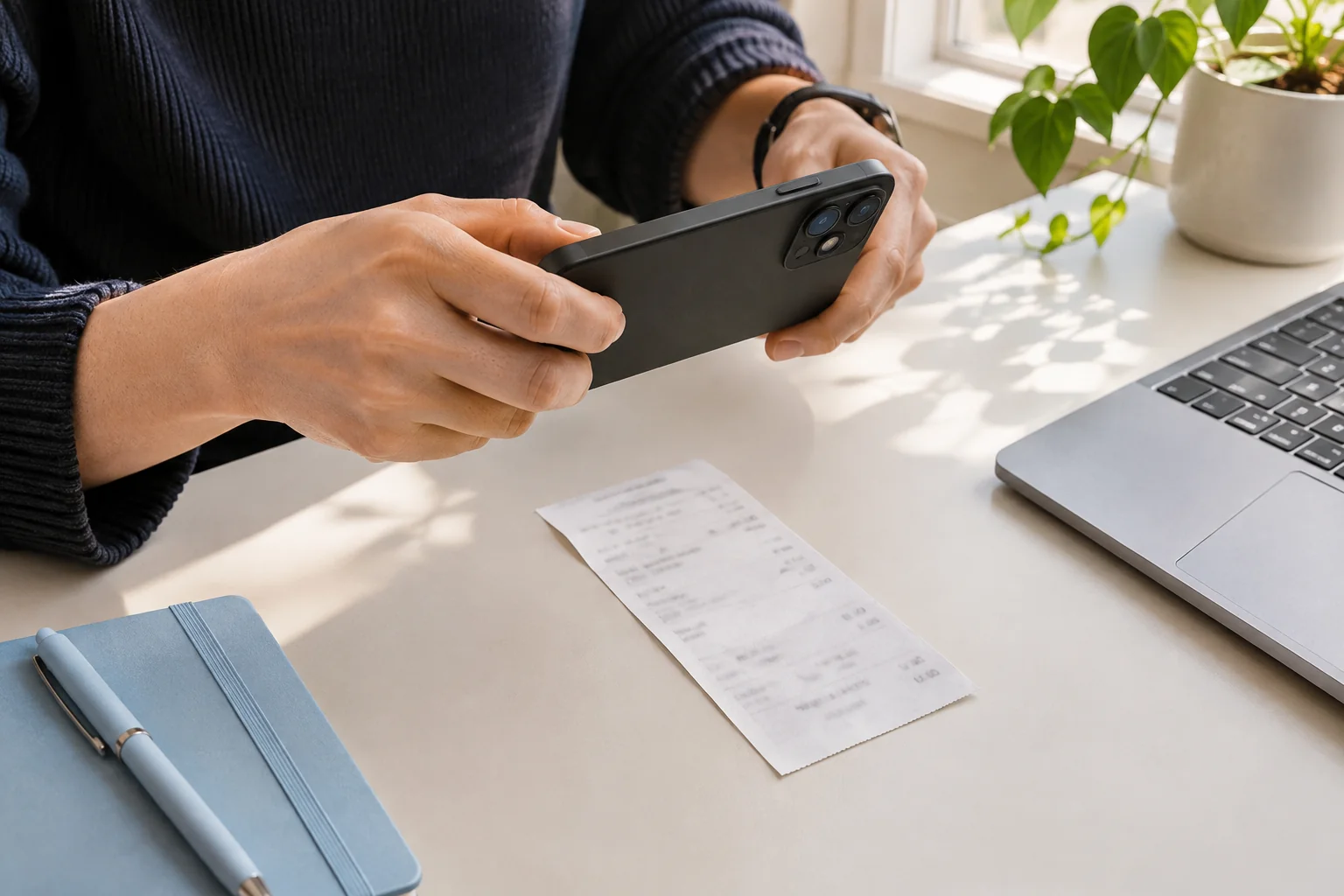
Catch the receipt while you have it.
Supplies, subscriptions, a purchase for a project. Start with the document in front of you.
- Paper receipts and invoice images
- One clear image at a time
Leave a note for your future self.
Check the amount and category. Add the project or reason for the purchase before confirming.
- Correct suggested fields
- Keep useful purchase context
North Street Supply
Office supplies
October 12, 2026
- Desk supplies
- $40.00
- Tax
- $2.60
- Total
- $42.60
Sample receipt
Details to review
- Merchant
- North Street Supply
- Date
- October 12, 2026
- Total
- USD 42.60
- Category
- Supplies
Ready for your review
Make month-end a little lighter.
Look back through your confirmed records and find the original detail without another paper search.
- Search by merchant
- Filter by date, category or status
Your receipts
3 example recordsNorth Street Supply
Oct 12, 2026 · Supplies
$42.60
ConfirmedHarbor Cloud
Oct 10, 2026 · Software
$18.00
ConfirmedWillow Café
Oct 08, 2026 · Meals
$24.50
Confirmed
What this version includes
During early access, an account can process up to 3 images per UTC day. Unused scans do not roll over. Tabbri supports JPG, PNG and WebP images up to 3 MiB and keeps confirmed records in your account.
PDFs, email forwarding, accounting integrations and tax filing are not included. CSV exports and period summaries are available for confirmed records. Category suggestions help organize your records; they do not decide whether a cost is deductible.
Ready to check a receipt?
Open the scanner to see the supported image types and start with one receipt. Full review and saving take place in your account.
Before you start
Useful before your next upload
Keep the entire receipt in focus, use even light, and check the total before uploading. A short photo checklist for readable receipt images.
Before the final payment
Invoice
- Purchase total
- USD 120.00
- Already paid
- USD 40.00
- Balance due
- USD 80.00
The final payment
Payment receipt
- Purchase total
- USD 120.00
- Amount paid now
- USD 80.00
- Remaining balance
- USD 0.00
An invoice requests payment; a receipt records a payment. Compare examples and learn which amounts, dates and payment details to check before saving.
A practical receipt review checklist: check the seller, date, currency, total and tax against the image before confirming an expense record.