
Get receipts ready for your accountant
Preview the details from one receipt without signing up. In your workspace, add the business purpose and export the confirmed records for your accountant.
Try one receipt, without an account.
Upload an image to preview the merchant, total and currency.
One free preview per day. See your result here without an account.
How your receipt is processedChecking your daily preview…
From a store receipt to a useful handoff
Write down what the purchase was for
North Street Supply charged $42.60. The receipt shows $40.00 of desk supplies plus $2.60 tax. Check the total and add a note such as “Desk supplies for the office.” That gives the person reading the spreadsheet more context than the shop name alone.
- Check the total against the original image
- Record the purpose while you still remember it
North Street Supply
October 12, 2026
- Desk supplies
- $40.00
- Tax
- $2.60
- Total
- $42.60
Details to review
- Merchant
- North Street Supply
- Date
- October 12, 2026
- Total
- USD 42.60
- Category
- Supplies
These are examples, not receipts saved to your account.
Send the spreadsheet and agree on supporting images
Select the period your accountant requested and export the confirmed records. The CSV carries the expense details and notes. If your accountant also needs receipt images, arrange to share those separately.
- Check the date range and filters before exporting
- Open the file and check a row before sending it
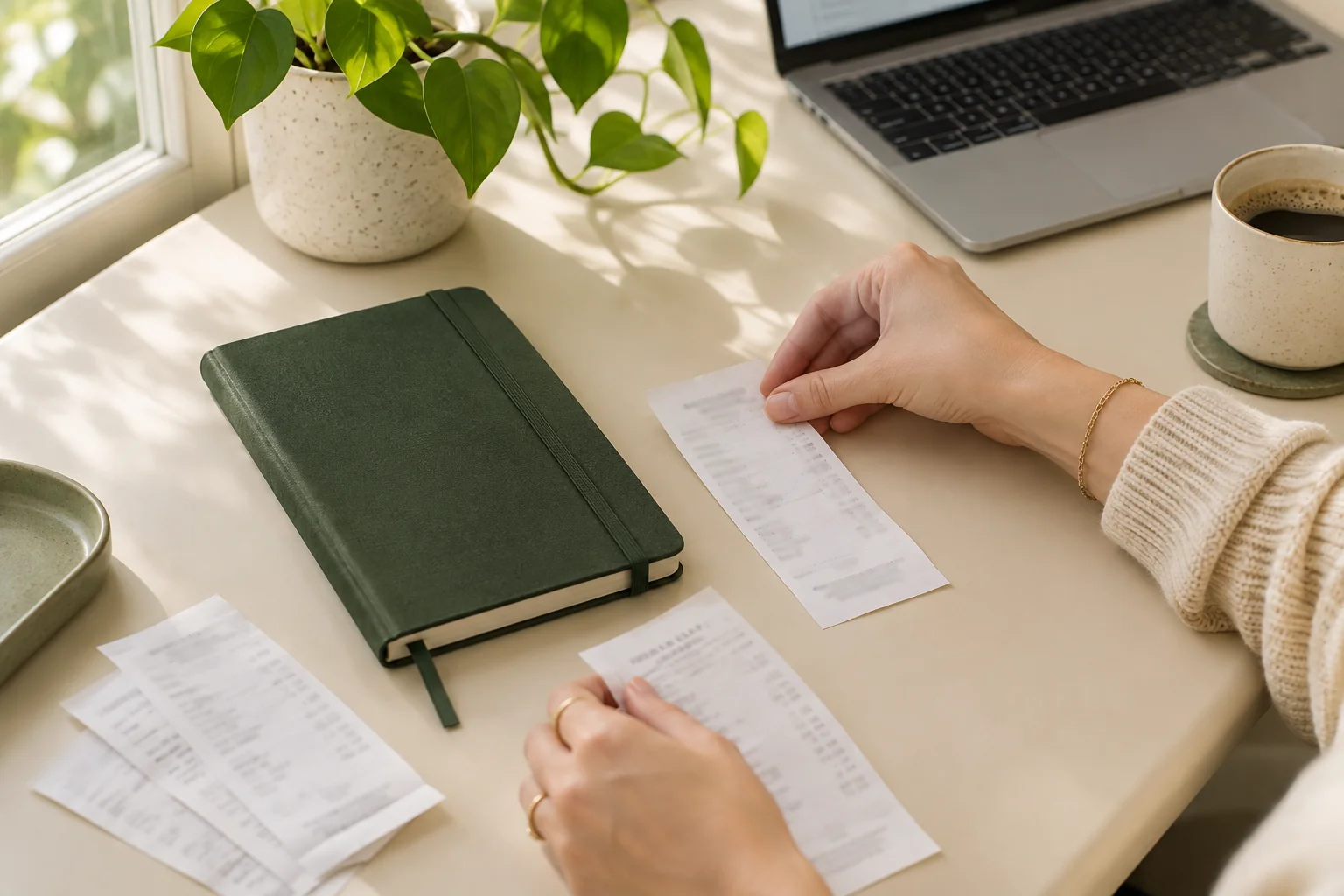
Preparing receipts for an accountant
More ways to organize receipts
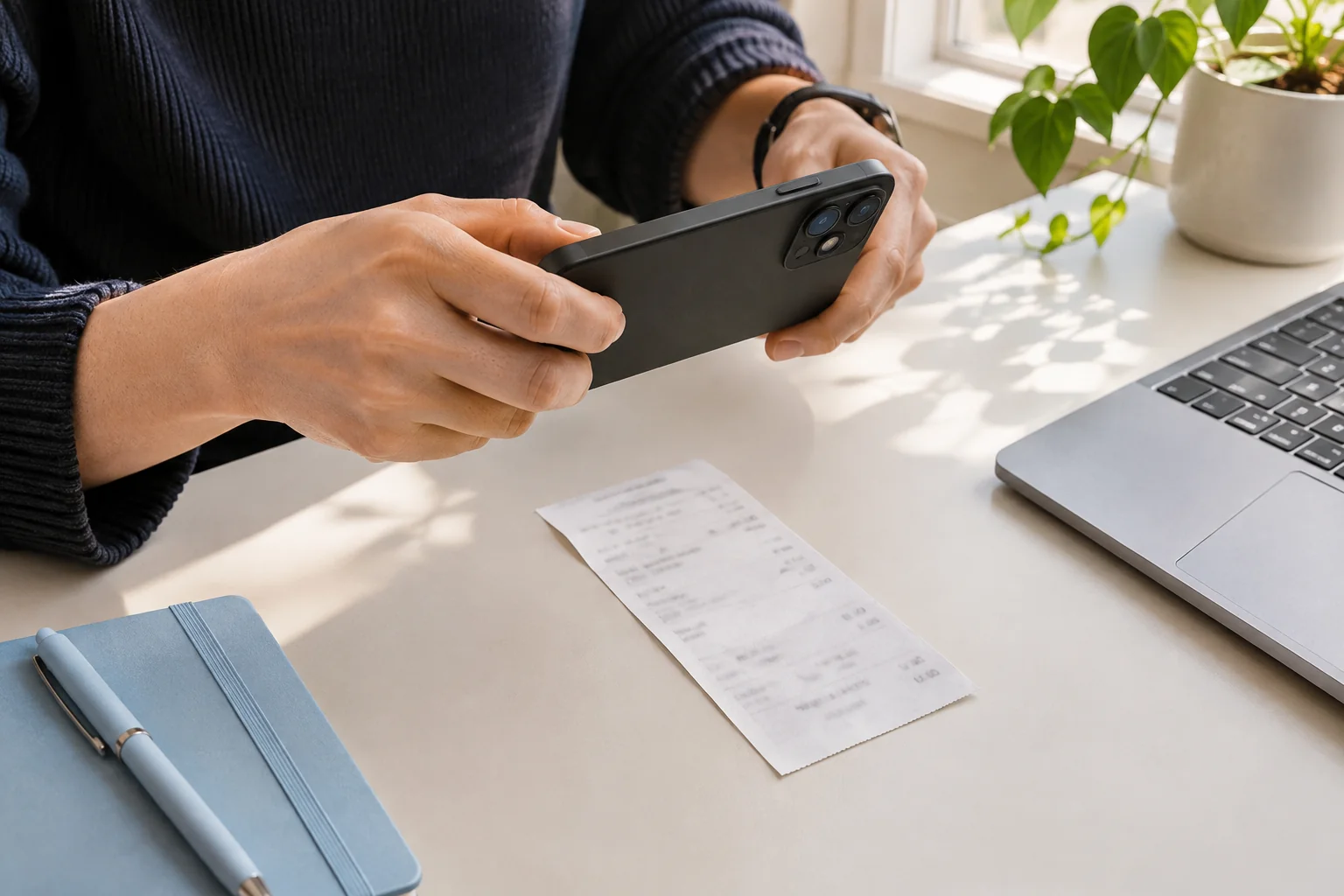
Keep the entire receipt in focus, use even light, and check the total before uploading. A short photo checklist for readable receipt images.
Before the final payment
Invoice
- Purchase total
- USD 120.00
- Already paid
- USD 40.00
- Balance due
- USD 80.00
The final payment
Payment receipt
- Purchase total
- USD 120.00
- Amount paid now
- USD 80.00
- Remaining balance
- USD 0.00
An invoice requests payment; a receipt records a payment. Compare examples and learn which amounts, dates and payment details to check before saving.
A practical receipt review checklist: check the seller, date, currency, total and tax against the image before confirming an expense record.