
Organize receipts for a business trip
Scan one travel receipt to preview the details. Then see how to prepare a trip’s expenses for review.
Checking for your preview…
From the first ride to the trip spreadsheet
Capture expenses while travelling
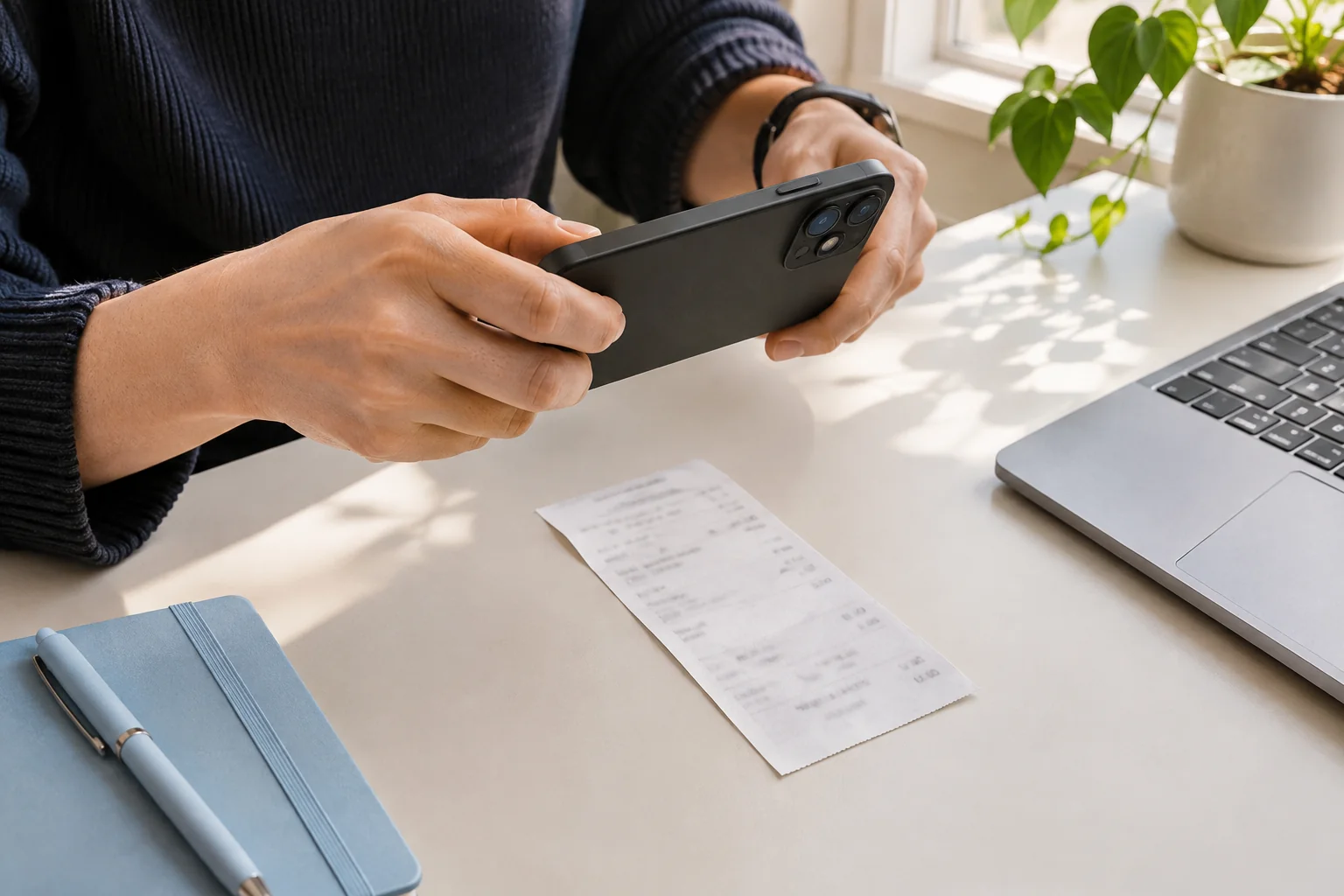
Take a clear photo of the complete receipt after each purchase. Add a trip or project name in the note when you review it, especially if you travel for several clients. Keep the final hotel folio so you can check the lodging charge against any separate deposit or card slip.
- Capture the merchant, date and final amount
- Use a consistent trip name in your notes
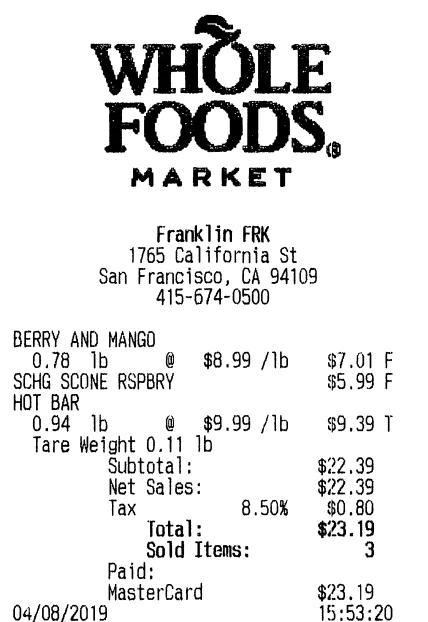
Details to review
- Merchant
- Whole Foods Market
- Date
- Apr 8, 2019
- Subtotal
- USD 22.39
- Tax
- USD 0.80
- Total
- USD 23.19
Check local currency and payment dates
Compare the extracted currency with the original. If a payment slip shows both the local amount and a card conversion, record the amount and currency your expense process requires and keep the other figure in a note. Check that the receipt date belongs to the trip before you confirm it.
- Keep currency and amount together
- Review checkout dates on hotel receipts
Export the receipts for the trip
Filter confirmed records to your travel dates. If the range includes unrelated expenses, use the notes and categories to identify the trip’s rows in the CSV. Keep the receipt images handy in case someone needs to check a line.
- Review the first and last day of the trip
- Check for unrelated purchases before sending the file
receipts-2019-04.csv
| Merchant | Category | Amount |
|---|---|---|
| Old Navy | Clothing | USD 72.63 |
| Denny's | Meals | USD 30.37 |
| Whole Foods Market | Groceries | USD 23.19 |
Example: a two-day client visit
On a short work trip, the purchase date, currency and purpose help explain entries that would otherwise look unrelated.
- Airport ride: check the fare on the final receipt and add the client visit in the note.
- Hotel: use the final folio to verify the room charge and tax before confirming.
- Dinner: check whether the charge includes a tip and keep it in the original currency.
Features
The essentials, together.
A focused place to collect, check and organize your receipt records.
Useful fields, not a wall of text
Merchant, date, amount, currency and tax in separate fields you can review.
You make the final call
See review warnings, correct a field and explicitly confirm the record.
Keep the receipt close
Open the receipt image alongside its saved details in your account.
Categories you can change
Start with a suggestion, then choose the category that fits your expense.
A list you can come back to
Search merchants and narrow records by date, category or review status.
Account-owned records
Saved receipts and their images are accessed through your account.
Questions about business travel receipts
Related receipt tools and guides
Keep the entire receipt in focus, use even light, and check the total before uploading. A short photo checklist for readable receipt images.
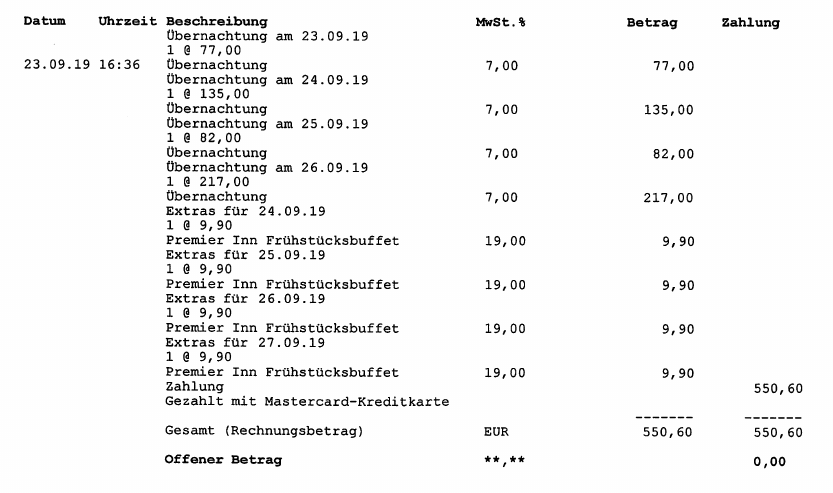
Germany · Hotel invoice
EUR 550.60 billed · EUR 0.00 due
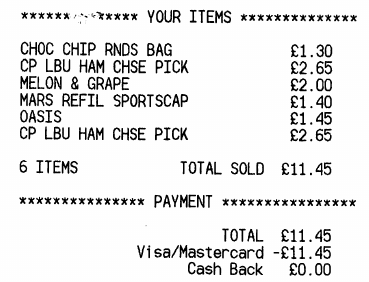
United Kingdom · Retail receipt
GBP 11.45 paid
Compare a German hotel invoice and a UK retail receipt. Learn which totals, dates and payment details to check before saving.
A practical receipt review checklist: check the seller, date, currency, total and tax against the image before confirming an expense record.