
Turn receipts into CSV rows
Preview a receipt photo here without signing up. Start a subscription trial to check and save the details, then export a CSV for Excel or Google Sheets.
Try one receipt, without an account.
Upload an image to preview the merchant, total and currency.
One free preview per day. See your result here without an account.
How your receipt is processedChecking your daily preview…
What goes into the spreadsheet?
This restaurant receipt shows a subtotal of 41.45 and tax of 3.42. The amount to enter is the printed total of 44.87. Adding the tax again would overstate the expense.
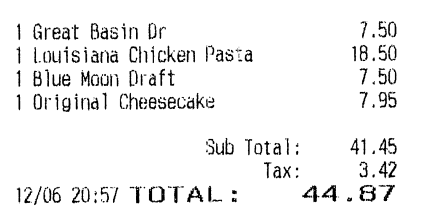
The same receipt in CSV
| Date | Merchant | Amount | Currency | Tax Amount |
|---|---|---|---|---|
| 2019-12-06 | The Cheesecake Factory | 44.87 | USD | 3.42 |
- Date
- 2019-12-06
- Merchant
- The Cheesecake Factory
- Amount
- 44.87
- Currency
- USD
- Tax Amount
- 3.42
Build your month-end expense sheet
Choose the receipts for this month
Use the receipt date to select a month in Saved records. Narrow the list by merchant or category when you need a smaller handoff. Only confirmed records matching those filters go into the file.
- One row per confirmed receipt
- Matching records across all pages
Your receipts
3 example recordsNorth Street Supply
Oct 12, 2026 · Supplies
$42.60
ConfirmedHarbor Cloud
Oct 10, 2026 · Software
$18.00
ConfirmedWillow Café
Oct 08, 2026 · Meals
$24.50
Confirmed
Open the CSV in Excel or Google Sheets
Open the downloaded CSV in Excel, or use File → Import in Google Sheets. Amount and currency have separate columns, so you can filter to one currency before adding up a month.
- Original currency on every row
- Tax in a separate column

Receipt export questions
Prepare your receipt photos
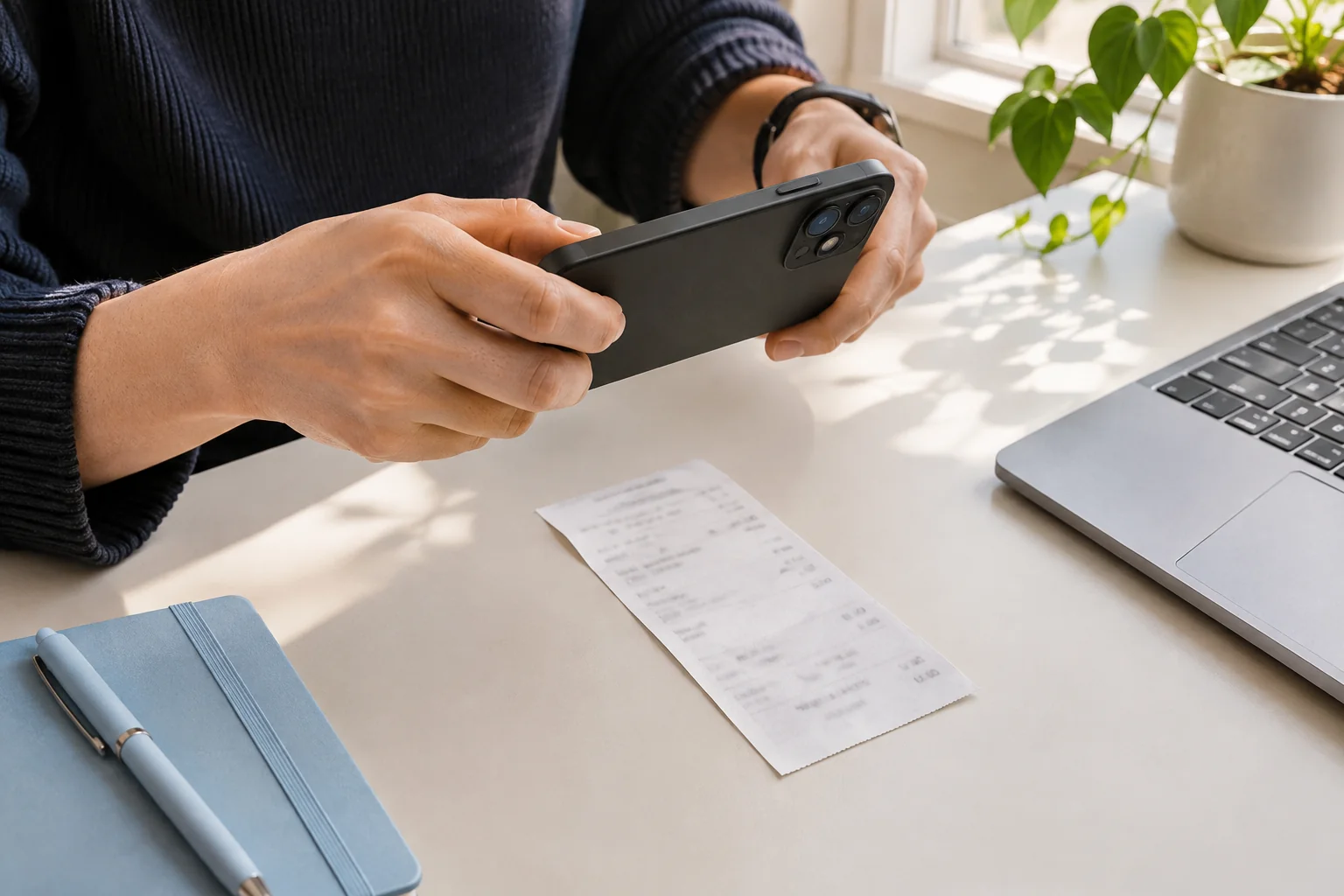
Keep the entire receipt in focus, use even light, and check the total before uploading. A short photo checklist for readable receipt images.
Before the final payment
Invoice
- Purchase total
- USD 120.00
- Already paid
- USD 40.00
- Balance due
- USD 80.00
The final payment
Payment receipt
- Purchase total
- USD 120.00
- Amount paid now
- USD 80.00
- Remaining balance
- USD 0.00
An invoice requests payment; a receipt records a payment. Compare examples and learn which amounts, dates and payment details to check before saving.
A practical receipt review checklist: check the seller, date, currency, total and tax against the image before confirming an expense record.